Read lesson sections and work on questions
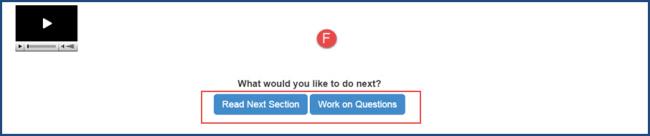
Make sure you read each section of the lesson carefully so you can answer the questions. When you feel that you understand what you just read, you are ready to start working on the problems (questions). You can read a section and then work on the questions at the end of that section, or you can read all sections and then answer the questions. Example F below shows the Read Next Section and Work on Questions buttons for an assignment's section.
Tip: You can also click the Questions button on the assignment toolbar to answer the questions. You can jump back to the sections to look for the answer to a question. To do this, click the Read button on the assignment toolbar.
When you've answered all the questions, you need to mark the lesson as complete so that Monarch knows it is done and you can get a grade for your work. If you just exit the lesson without marking it as complete, you won't get a grade for the lesson until it is marked as complete. See Mark assignments as complete.
 ©2018 Monarch™ Alpha Omega® Publications, a division of Glynlyon, Inc. All rights reserved.