Practice and learn using the Resources' tools and activities
The Resources section of your Home Page has tools and activities to help you practice and learn. Click the link for the activity or tool you want to use. Your teacher decides what activities and tools you can access.
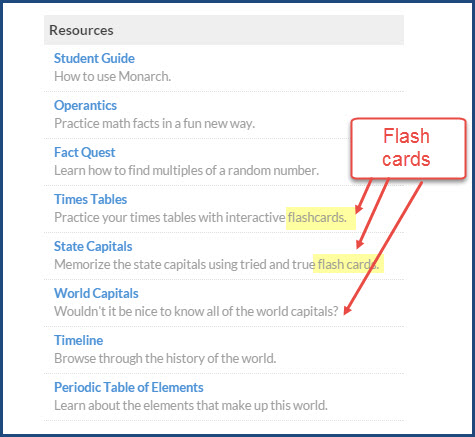
Test your memory using the Flashcards
Use the flash cards resources and arcade games to test your memory. All flash card resources and games work the same way.
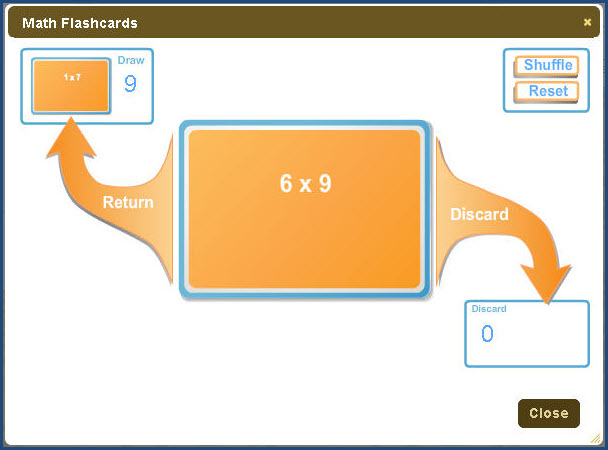
- Click the Draw pile in the top left corner, then click the card when you are ready to check your answer.
- Click Discard, if you are done with the card or Return to put it back in the Draw pile.
- Click Close when you are finished practicing.
Both of the Geography games and the Times Tables, along with the Vocab Arcade - Flash Cards inside your lessons work this way. For the World Capitals flash cards, you are asked to pick the area of the world.
Learn about historical events using the Timeline
The Timeline resource shows you significant events in history.
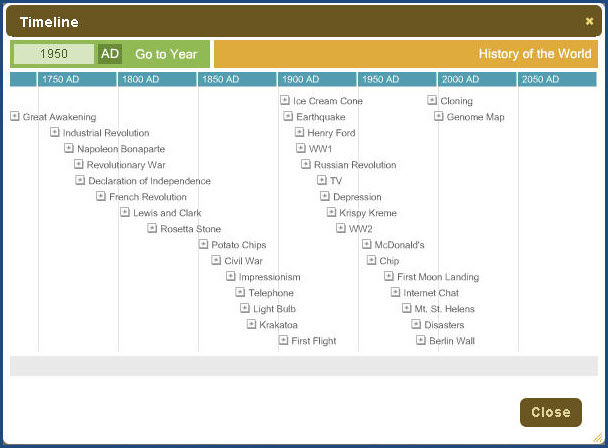
To use the Timeline resource:
- To see a specific year, enter a year in the box at the top left corner. You can toggle between BC and AD. Or, just click an event.
- Click Close Event when you are finished viewing the event details.
- Click the Close [X] button when you are done.
Learn about numbers playing the Fact Quest game
The Fact Quest game tests your skills with numbers.
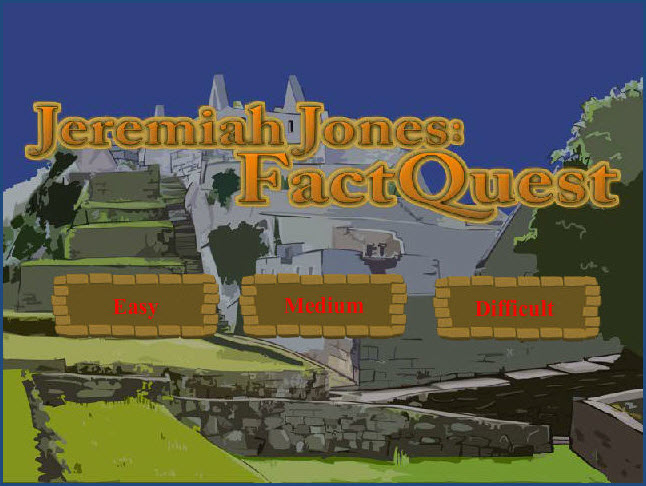
- Pick the level you want: Easy, Medium, or Difficult.
- To learn how to play the game, click the Help button, or click Play Game to get started.
Practice your math facts playing the Operantics game
Operantics has several math categories to choose from.
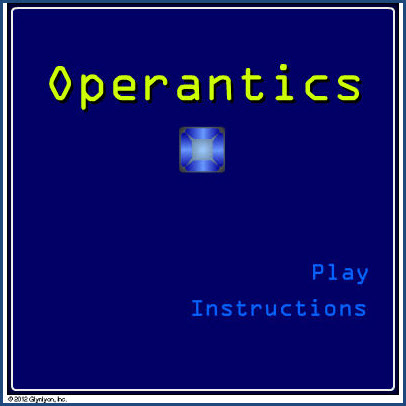
- Select the math category.
- To see how to play the game, click Instructions. If you are ready to play, click Play.
- Click Close when you are done.
Learn about the Periodic Table of Elements
This resource lets you learn about the elements in the world.
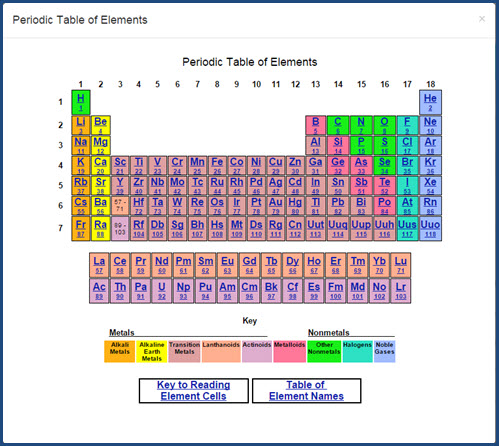
- Click any element cell to learn more about that element.
- Not sure what all those numbers and letters mean? Click the Key to Reading Element Cells to learn.
- Click the Table of Element Names to see a list of all of the elements in order of their Atomic Number.
- Click Close when you are finished.
Practice your vocabulary words using the Spelling Bee game
The Spelling Bee game is available in many lessons. You open it from the Vocab Arcade button.
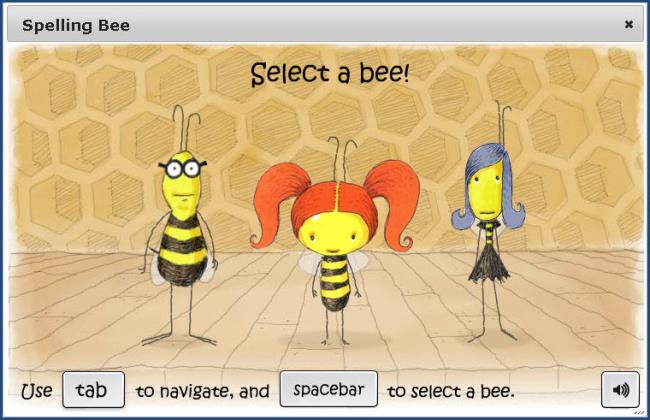
To play the Spelling Bee:
- Click Vocab Arcade, and then click the Spelling Bee icon.
Your lesson becomes inactive so that you cannot see the vocabulary words.
- Click anywhere on the screen to begin, and then choose a bee.
- Listen to the pronunciation, and then type the word.
- Click Enter when you are done typing.
- Once you have correctly spelled all of the words (or are done playing), click the Close X at the top of the window. Your lesson becomes active again and you can see the vocabulary words.
 ©2018 Monarch™ Alpha Omega® Publications, a division of Glynlyon, Inc. All rights reserved.